Microsoft Entra ID Identity Protection
Implemented Microsoft Entra ID Identity Protection to detect risky users and risky sign-ins, configure User Risk and Sign-in Risk policies, integrate Microsoft Defender, and enforce Zero Trust identity security using adaptive risk-based Conditional Access controls.
Project Overview
Microsoft Entra ID Identity Protection continuously evaluates user identities using Microsoft's machine learning and threat intelligence platform to detect compromised credentials, suspicious sign-in activity, leaked passwords, anonymous IP addresses, impossible travel events, malware-linked authentication attempts, and other identity-based attacks.
Unlike traditional identity management, Identity Protection applies a Zero Trust model by continuously assessing identity risk and automatically enforcing Conditional Access policies based on real-time risk levels.
This project demonstrates how Microsoft Entra ID Identity Protection was configured to secure enterprise identities through adaptive authentication, User Risk policies, Sign-in Risk policies, Risky Users monitoring, Risky Sign-ins investigation, and Microsoft Defender integration.
Business Problem
User identities have become the primary attack target for cybercriminals. Password spraying, phishing, token theft, impossible travel attacks, anonymous proxy usage, and leaked credentials frequently bypass traditional perimeter security controls.
Organizations require a modern identity security solution capable of continuously evaluating identity risk and automatically responding before compromised accounts gain access to corporate resources.
Project Objectives
Risk-based User Policy
Automatically require password changes when users become high-risk.
Risk-based Sign-in Policy
Require MFA whenever risky authentication activity is detected.
Identity Monitoring
Monitor Risky Users and Risky Sign-ins from the Microsoft Entra portal.
Microsoft Defender Integration
Share identity risk signals with Microsoft Defender XDR.
Environment
| Component | Value |
|---|---|
| Tenant | Patchthecloud.onmicrosoft.com |
| Platform | Microsoft Entra ID Identity Protection |
| Microsoft Defender | Integrated |
| Conditional Access | Risk-based Policies |
| Implementation | January 2026 |
Technologies Used
Solution Architecture
Microsoft Entra ID Identity Protection continuously evaluates every user sign-in using Microsoft's global threat intelligence platform. Risk detections are generated based on leaked credentials, anonymous IP addresses, impossible travel, malware-linked sign-ins, unfamiliar sign-in properties, and suspicious user behavior.
When a predefined risk threshold is reached, Conditional Access policies automatically require password reset, Multi-Factor Authentication (MFA), or block access until the identity risk has been remediated.
- Identity Protection Risk Engine
- Risky Users Monitoring
- Risky Sign-ins Monitoring
- User Risk Policies
- Sign-in Risk Policies
- Conditional Access Integration
- Microsoft Defender XDR Integration
- Zero Trust Identity Enforcement
Implementation Phases
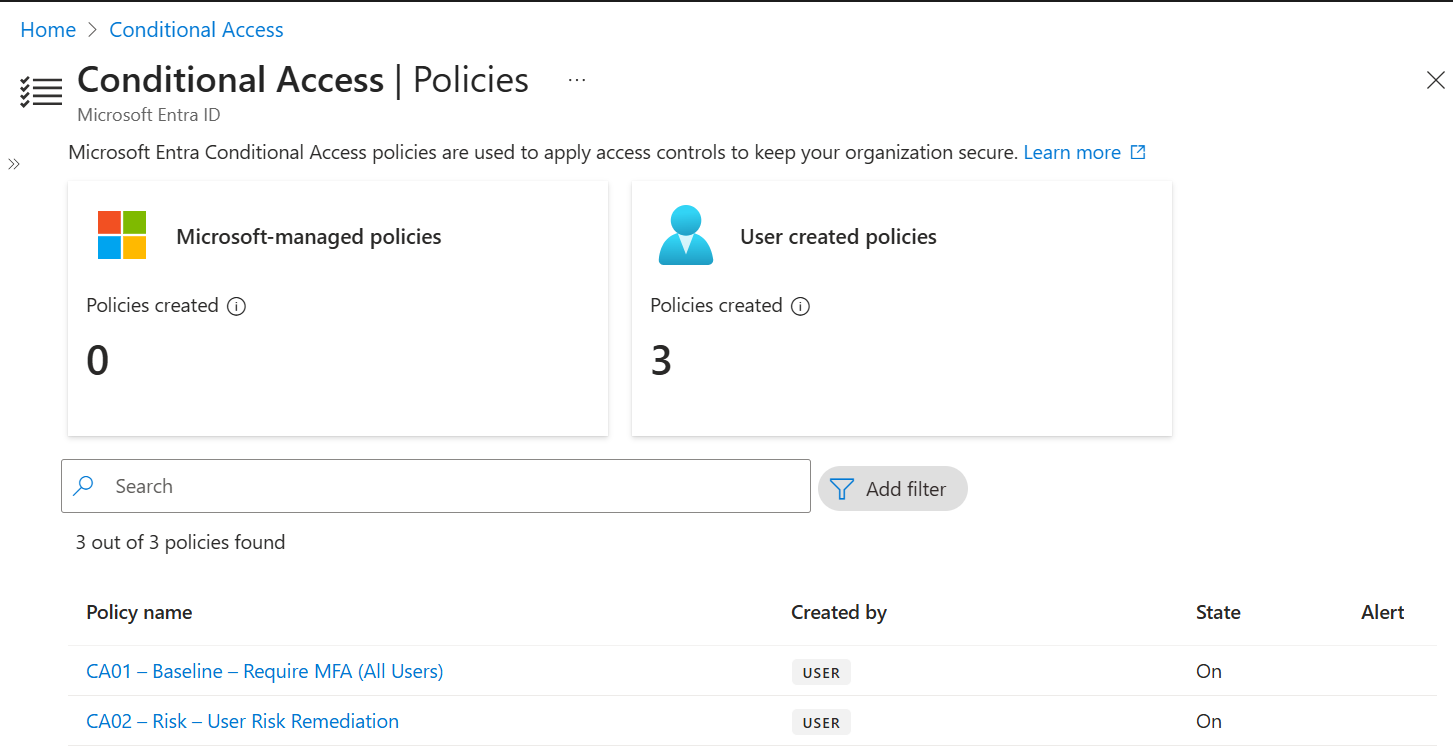
Phase 1 — User Risk Policy (Report-only)
Configured a User Risk Policy in Report-only mode to evaluate the impact before enforcing automatic remediation.

Phase 2 — User Risk Policy (Enforced)
Enabled the User Risk Policy to require secure password reset whenever a user is classified as High Risk.
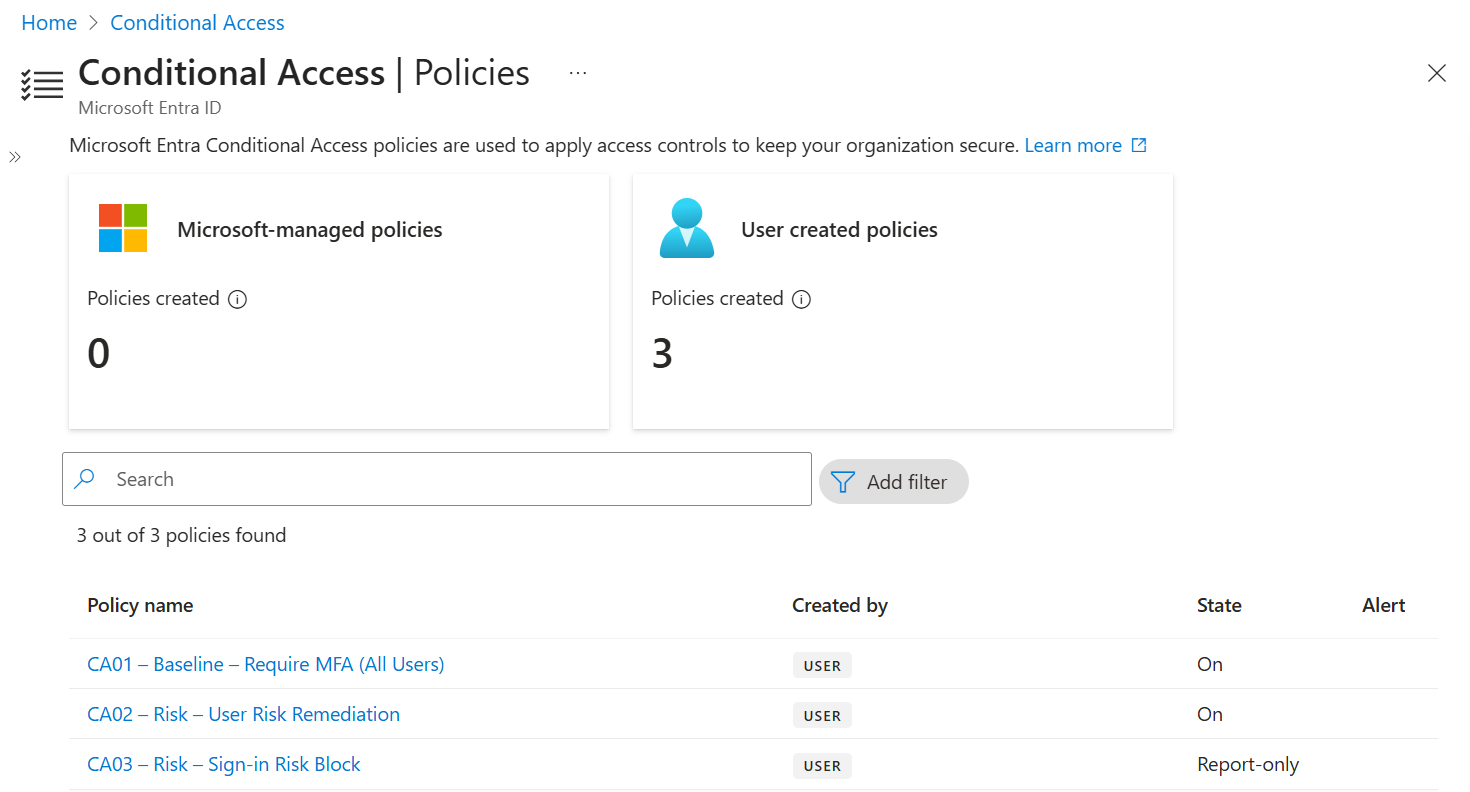
Phase 3 — Sign-in Risk Policy (Report-only)
Configured Sign-in Risk Policy in Report-only mode to validate policy behavior before enforcement.
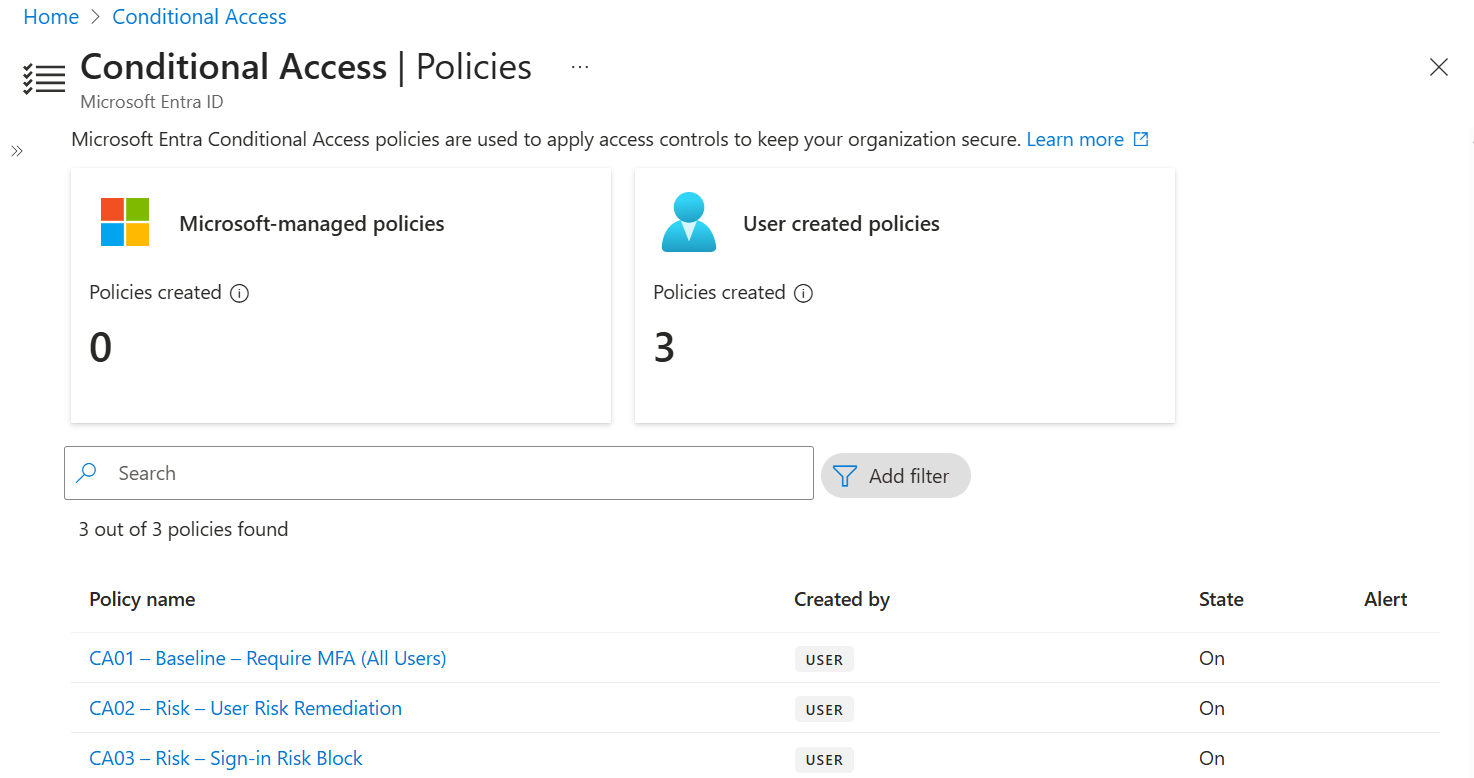
Phase 4 — Sign-in Risk Policy (Enforced)
Enabled automatic MFA challenges for Medium and High-risk authentication attempts.
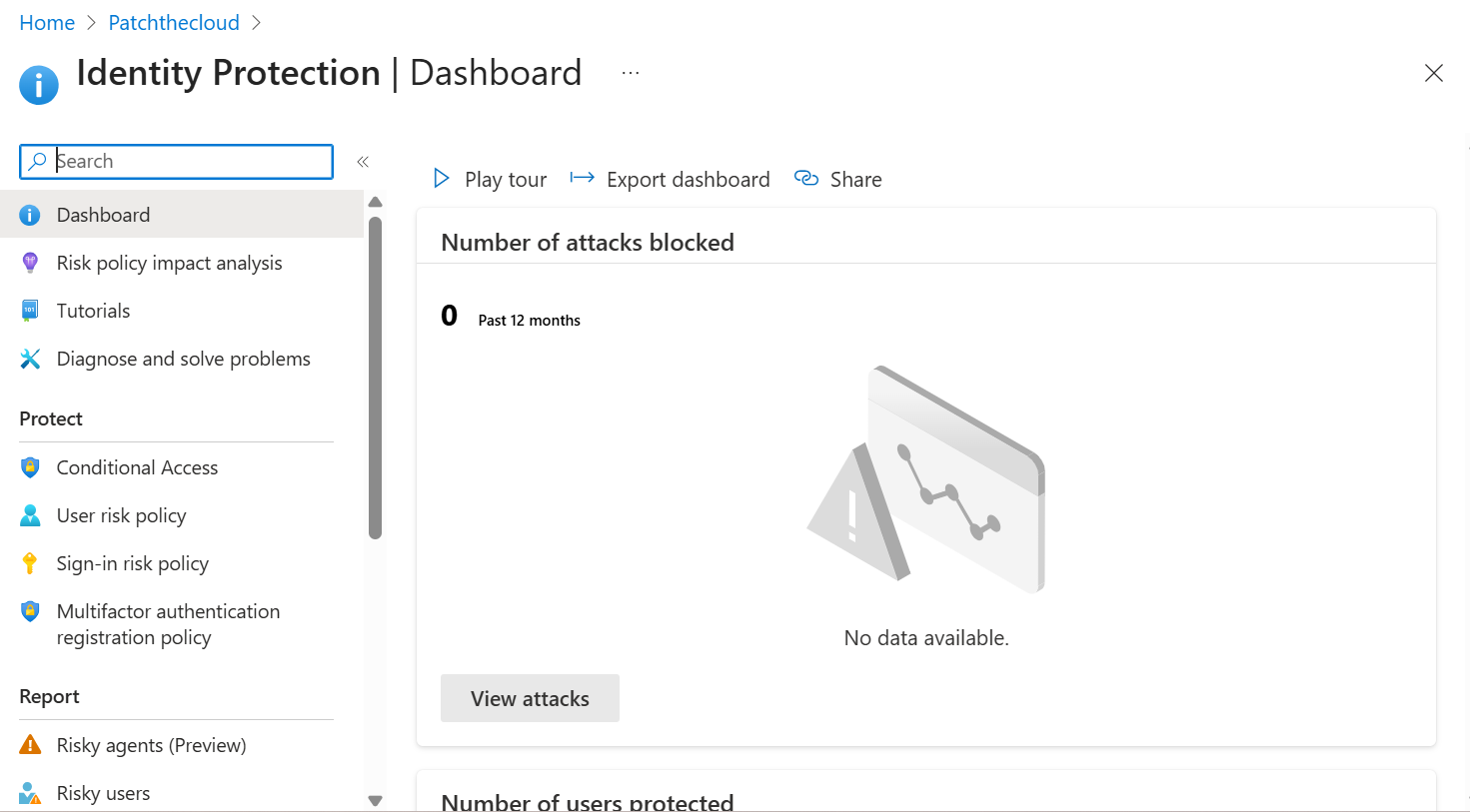
Phase 5 — Identity Protection Overview
Verified Microsoft Entra ID Identity Protection configuration and confirmed Identity Protection services were enabled for the tenant.
Phase 6 — Risky Sign-ins
Validated the Risky Sign-ins dashboard used to investigate suspicious authentication attempts.

Phase 7 — Risky Users
Reviewed the Risky Users dashboard for compromised identity monitoring and remediation.

Phase 8 — Microsoft Defender Integration
Integrated Microsoft Defender XDR with Microsoft Entra ID Identity Protection to share identity risk signals across Microsoft security workloads.
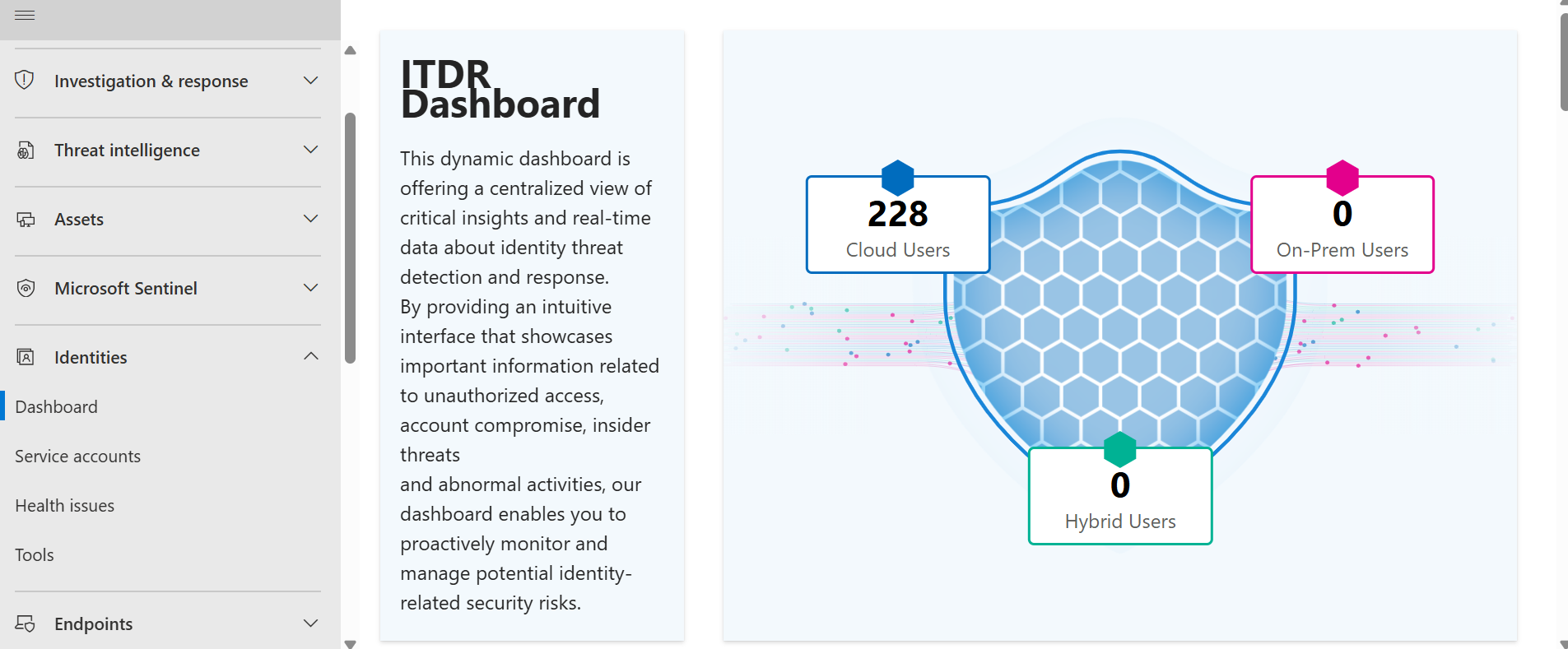
Security Controls Implemented
| Security Control | Status | Zero Trust Principle |
|---|---|---|
| User Risk Policy | Implemented | Verify Explicitly |
| Sign-in Risk Policy | Implemented | Verify Explicitly |
| Risky Users Monitoring | Enabled | Assume Breach |
| Risky Sign-ins Monitoring | Enabled | Assume Breach |
| Microsoft Defender Integration | Enabled | Unified Threat Protection |
| Identity Protection Dashboard | Configured | Continuous Monitoring |
| Conditional Access Integration | Validated | Least Privilege |
Validation & Testing
- Verified User Risk Policy in Report-only mode before enforcement.
- Confirmed User Risk Policy successfully transitioned to Enabled mode.
- Validated Sign-in Risk Policy using Report-only and Enabled configurations.
- Verified Risky Users dashboard availability.
- Verified Risky Sign-ins dashboard availability.
- Confirmed Microsoft Defender received Identity Protection signals.
- Validated Conditional Access integration with Identity Protection.
- Reviewed Identity Protection configuration within Microsoft Entra Admin Center.
Project Outcomes
Risk-based Authentication
Adaptive authentication policies automatically respond to suspicious user activity based on calculated identity risk.
Improved Identity Visibility
Security administrators gain centralized visibility into compromised identities and suspicious authentication events.
Zero Trust Identity
Identity becomes the primary security perimeter with continuous verification before granting access.
Integrated Security Signals
Identity Protection shares risk intelligence with Microsoft Defender XDR for unified threat detection.
PowerShell Automation
| Script | Purpose |
|---|---|
| Get-RiskyUsers.ps1 | Retrieve Microsoft Entra ID Risky Users using Microsoft Graph API. |
| Get-RiskySignIns.ps1 | Export Risky Sign-ins for investigation and reporting. |
| Get-IdentityProtectionStatus.ps1 | Retrieve Identity Protection configuration settings. |
| Export-IdentityProtectionReport.ps1 | Generate Identity Protection compliance reports. |
Lessons Learned
- Identity is the new security perimeter in modern cloud environments.
- Report-only mode should always be used before enforcing Conditional Access policies.
- Risk-based policies significantly reduce account compromise by enforcing adaptive authentication.
- Microsoft Entra ID Identity Protection complements Microsoft Defender XDR by sharing identity risk signals.
- Continuous monitoring of Risky Users and Risky Sign-ins enables faster incident response.
- Zero Trust requires continuous verification rather than one-time authentication.
Future Improvements
Conditional Access
Expand adaptive access policies using authentication strength and device compliance.
Privileged Identity Management
Implement Just-in-Time administrative access using Microsoft Entra PIM.
Identity Governance
Deploy Access Reviews and Lifecycle Workflows for identity lifecycle management.
Passwordless Authentication
Implement FIDO2 Security Keys, Windows Hello for Business, and Temporary Access Pass.
Project Repository
View the complete project documentation, implementation guides, screenshots, PowerShell scripts, and architecture diagrams on GitHub.
View Project on GitHub →